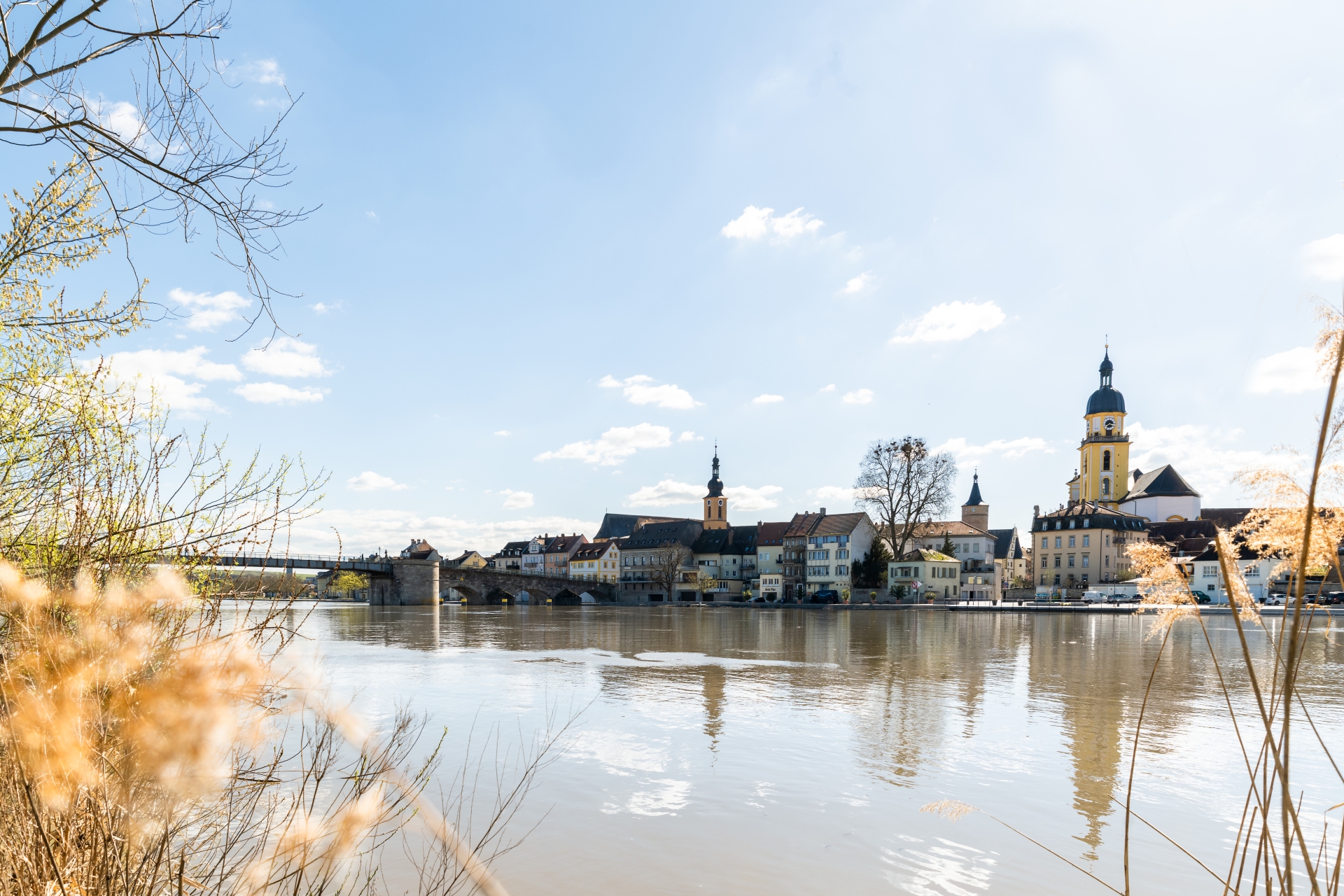
Kitzingen city skyline with the Old Main Bridge on the Upper Main Quay.
Diese Seite wurde automatisch übersetzt. Es kann daher zu Abweichungen oder Ungenauigkeiten im Text kommen. Verbindlich ist ausschließlich die Originalfassung. Rechtsansprüche aus Inhalten der übersetzten Version sind ausgeschlossen.

New in Kitzingen

Welcome to Kitzingen - nice to have you here! ☀️

Whether you have just moved, just arrived or are simply curious about your new home - we warmly welcome you to Kitzingen!

Our aim is for you and your family to quickly feel at home here and be well received.

When you register at the Residents’ Registration Office, we’ll give you a voucher booklet – this will help you discover Kitzingen step by step. Look forward to inspiring tips and little extras that will introduce you to our town, its wide range of leisure activities and its culinary delights.

Once a quarter, our mayor invites all new residents to a relaxed get-together for newcomers (see registration details below). There, you can meet other newcomers, make new friends and find out what Kitzingen has to offer – from clubs and events to leisure activities for young and old alike. You will receive an invitation automatically once you have registered. We look forward to meeting you in person – and wish you a wonderful start in your new home in Kitzingen! 🏡💛


Register here and be invited to the next New Citizens' Meeting conveniently by e-mail! ✔️


The town of Kitzingen offers new citizens the opportunity to register by e-mail for the invitation to the new citizens' meeting, which takes place quarterly.

The following data is processed:

- E-mail address

- First name and surname

Just to clarify: even though the button says ‘SUBSCRIBE’, you are simply signing up to receive a one-off invitation.


Subscribe to the newsletter

The form is loading, one moment please...

Help with accessibility

  • General

    We endeavour to make our website accessible. You can find details on this in our accessibility statement. You can send us suggestions for improvement via our feedback form Report accessibility.

  • Font size

    To adjust the font size, please use the following key combinations:

    Larger

    command
    +

    Smaller

    command

    Larger

    Ctrl
    +

    Smaller

    Ctrl
  • Keyboard navigation

    Use TAB and SHIFT + TAB to navigate through next/previous links, form elements, and buttons.

    Use ENTER to open links and interact with elements.

  • Contrast mode

    Press the following key combination to reduce or increase the contrast:

    Enlarge

    control
    option
    command
    .

    Decrease

    control
    option
    command
    ,
    Note: The shortcuts must be activated in the system settings of the operating system.

    Press the left ALT key + left SHIFT key + PRINT to quickly turn high contrast mode on or off.

  • Invert colours

    Press the following key combination to switch the colour inversion on and off:

    control
    option
    command
    8
    Note: The shortcuts must be activated in the system settings of the operating system.

    First activate the screen magnifier and then switch the colour inversion on and off with the following key combinations:

    1. screen magnifier

    +

    2. invert colours

    Ctrl
    Old
    I
  • Screen magnifier

    Press the following key combinations to use the screen magnifier:

    Switch on/off

    option
    command
    8

    Enlarge view

    option
    command
    =

    Zoom out view

    option
    command
    Note: The shortcuts must be activated in the system settings of the operating system.

    Switch on / Enlarge view

    +

    Zoom out view

Select language