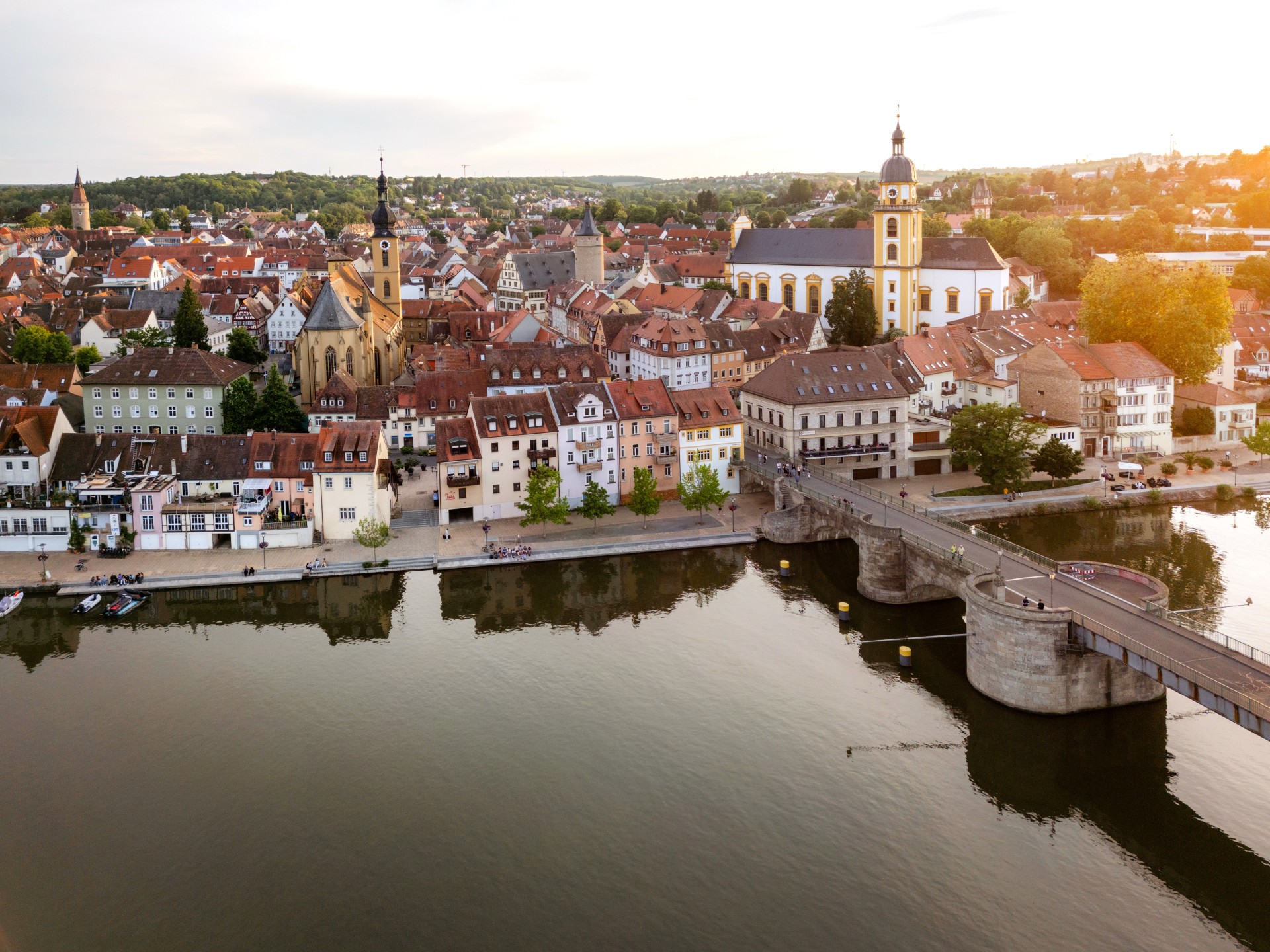


Aerial view of Kitzingen
Tomy Heyduck
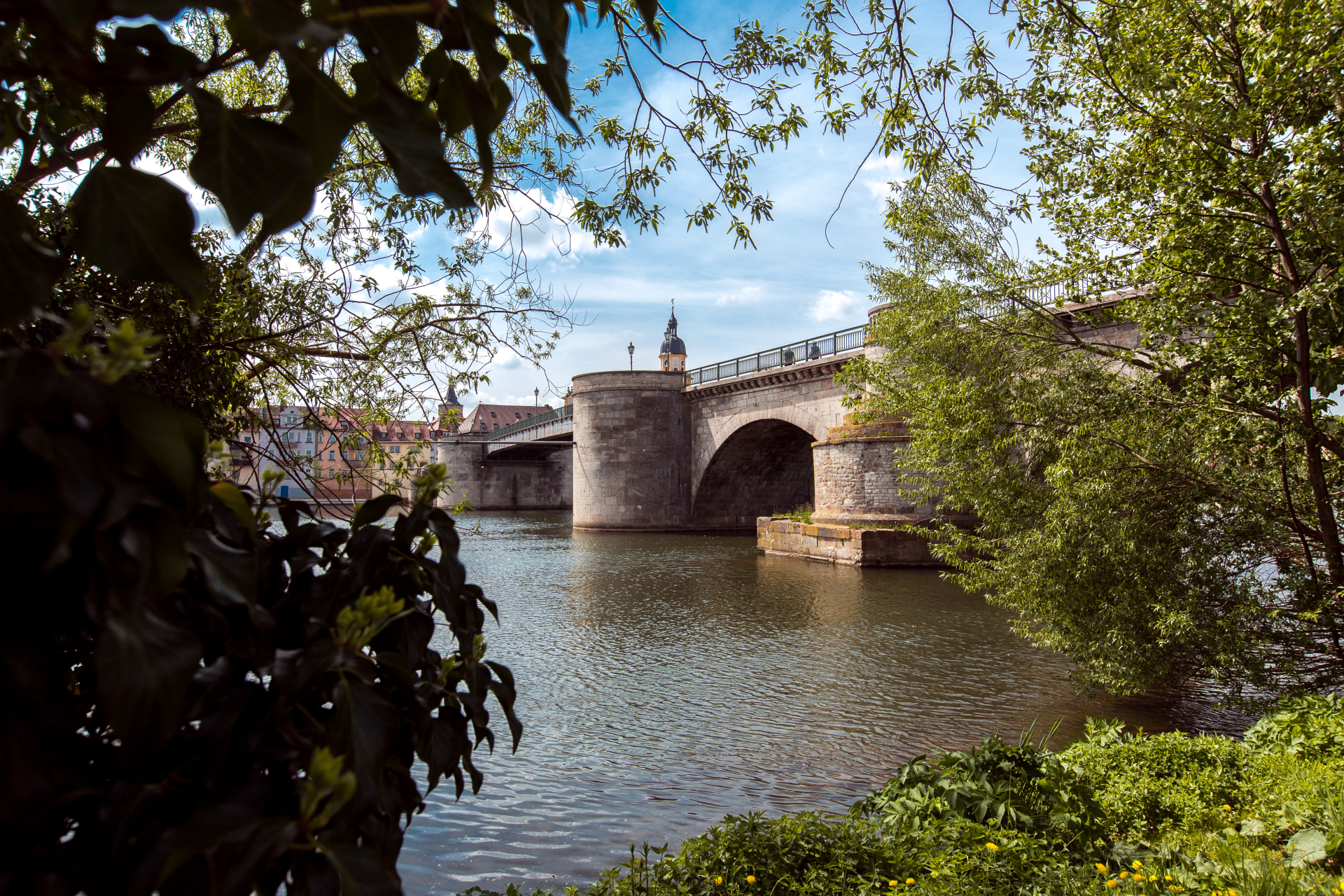
View of the Old Main Bridge from the city balcony.
© Viktor Meschko
White wine in two glasses with a blue sky in the background
© Atelier In addition
Diese Seite wurde automatisch übersetzt. Es kann daher zu Abweichungen oder Ungenauigkeiten im Text kommen. Verbindlich ist ausschließlich die Originalfassung. Rechtsansprüche aus Inhalten der übersetzten Version sind ausgeschlossen.

A warm welcome to Kitzingen!
The Main. Wine. History

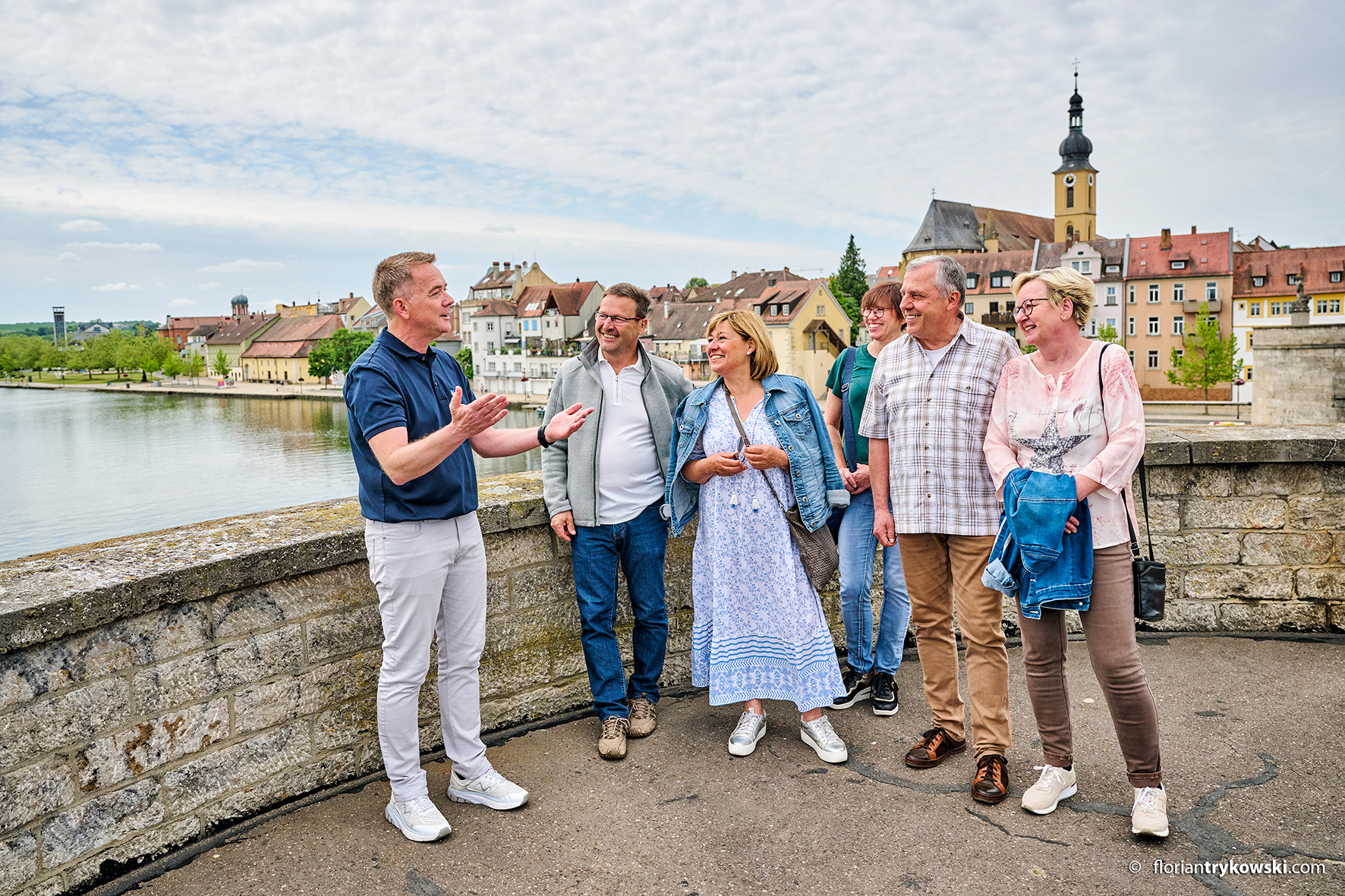
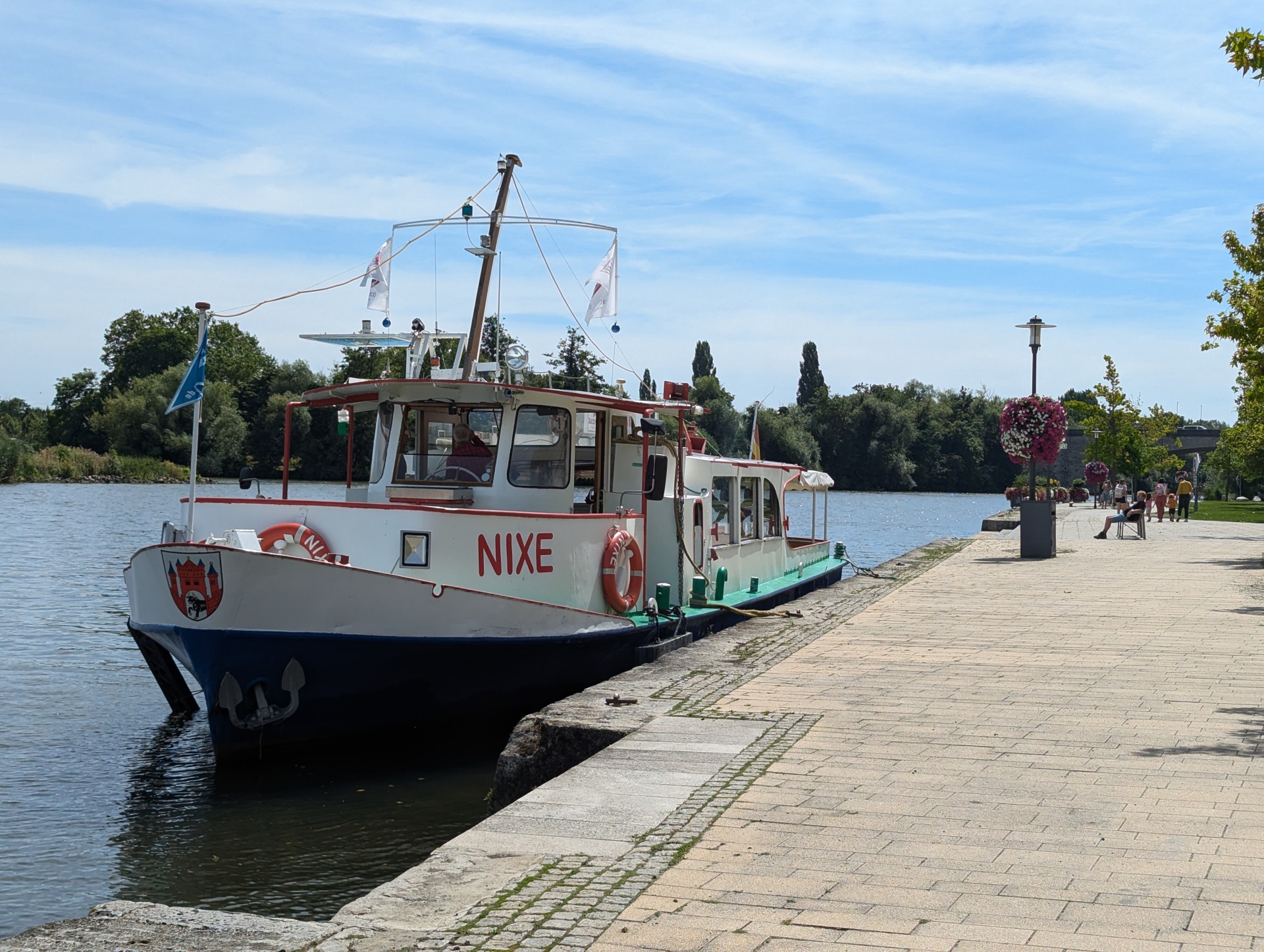
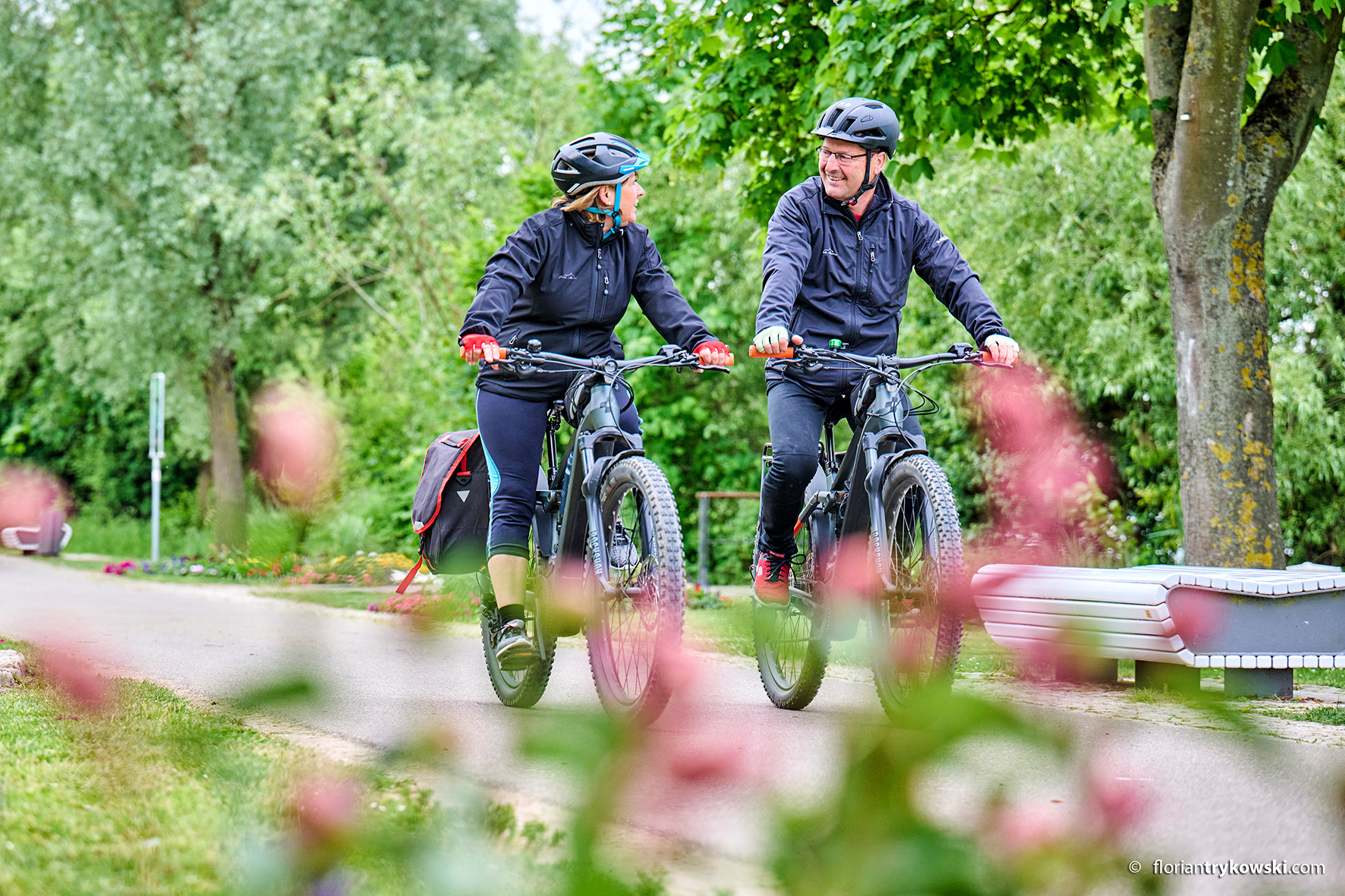
Kitzingen invites you to experience history, enjoyment and nature in a relaxed way. Situated directly on the Main, the river characterises the townscape and provides special moments - whether you are taking a walk along the banks, cycling along the Main cycle path or simply pausing to enjoy the view of the water.

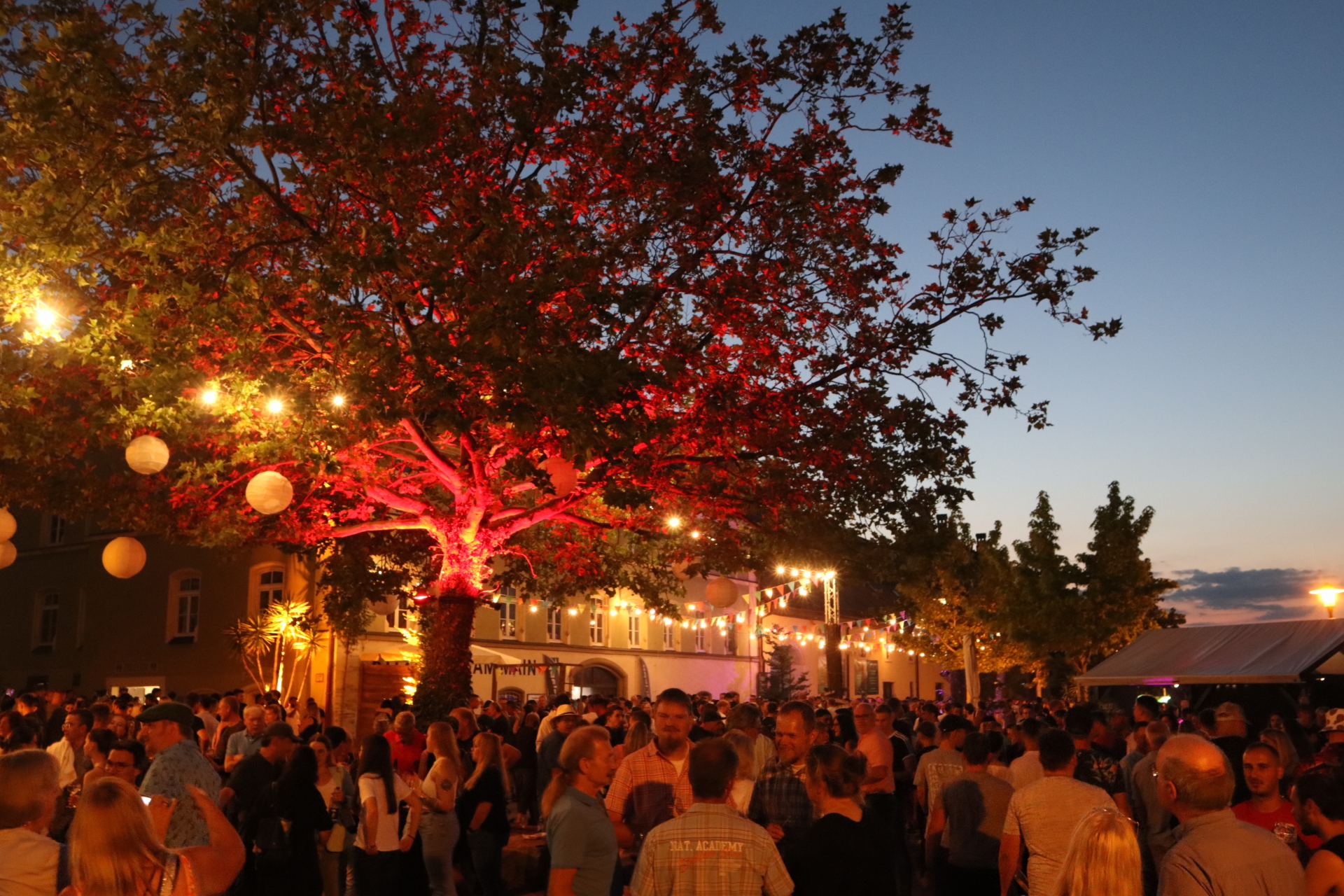
Kitzingen has a long tradition as a Franconian wine-trading town. To this day, wine, hospitality and the good life characterise the town – from the vineyards and wine festivals to the most beautiful spots along the Main.

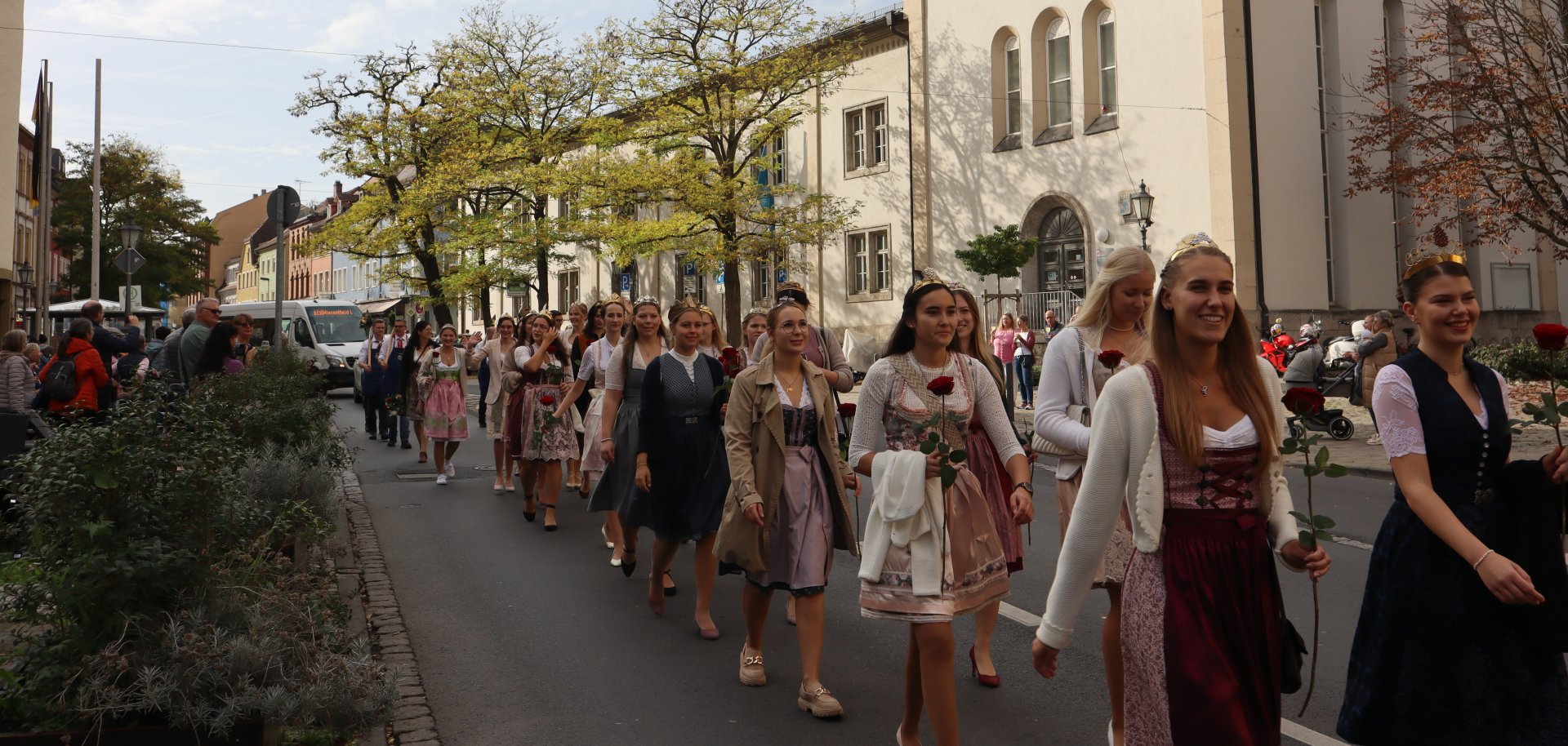
Added to this is a vibrant programme of events – ranging from wine festivals and cultural events to concerts
– which ensures there is plenty to do all year round.
Latest news

Found quickly

Help with accessibility

  • General

    We endeavour to make our website accessible. You can find details on this in our accessibility statement. You can send us suggestions for improvement via our feedback form Report accessibility.

  • Font size

    To adjust the font size, please use the following key combinations:

    Larger

    ⌘command
    +

    Smaller

    ⌘command
    –

    Larger

    Ctrl
    +

    Smaller

    Ctrl
    –
  • Keyboard navigation

    Use TAB and SHIFT + TAB to navigate through next/previous links, form elements, and buttons.

    Use ENTER to open links and interact with elements.

  • Contrast mode

    Press the following key combination to reduce or increase the contrast:

    Enlarge

    ⌃control
    ⌥option
    ⌘command
    .

    Decrease

    ⌃control
    ⌥option
    ⌘command
    ,
    Note: The shortcuts must be activated in the system settings of the operating system.

    Press the left ALT key + left SHIFT key + PRINT to quickly turn high contrast mode on or off.

  • Invert colours

    Press the following key combination to switch the colour inversion on and off:

    ⌃control
    ⌥option
    ⌘command
    8
    Note: The shortcuts must be activated in the system settings of the operating system.

    First activate the screen magnifier and then switch the colour inversion on and off with the following key combinations:

    1. screen magnifier

    +

    2. invert colours

    Ctrl
    Old
    I
  • Screen magnifier

    Press the following key combinations to use the screen magnifier:

    Switch on/off

    ⌥option
    ⌘command
    8

    Enlarge view

    ⌥option
    ⌘command
    =

    Zoom out view

    ⌥option
    ⌘command
    –
    Note: The shortcuts must be activated in the system settings of the operating system.

    Switch on / Enlarge view

    +

    Zoom out view

    –

Select language