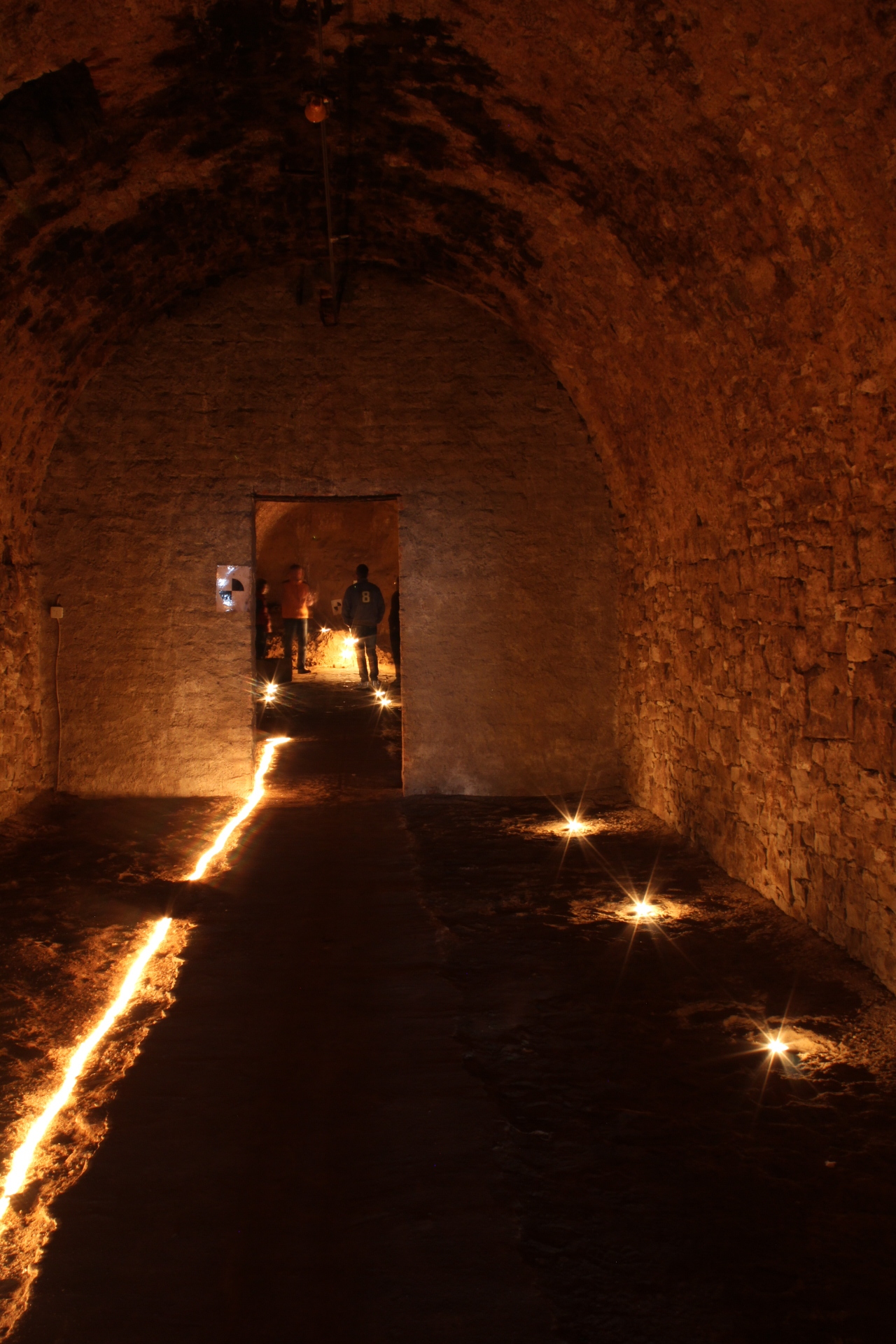
Cellar vault with lights
Tourist information town of Kitzingen
Diese Seite wurde automatisch übersetzt. Es kann daher zu Abweichungen oder Ungenauigkeiten im Text kommen. Verbindlich ist ausschließlich die Originalfassung. Rechtsansprüche aus Inhalten der übersetzten Version sind ausgeschlossen.

Guided tours in Kitzingen

Halloween guided tour!

When darkness falls over Kitzi …

Mist hangs over the alleyways, eerie tales come to life, and deep beneath the town lie cellars that harbour many a secret. Do you have strong nerves? Then follow us on a spine-chilling journey behind the scenes of Kitzingen – past Dracula’s grave and down into the mysterious Deusterkeller.

Amidst ancient walls, flickering lights and dark tales, you’ll encounter culture, history and cuisine in a whole new way. And who knows what awaits you down there …

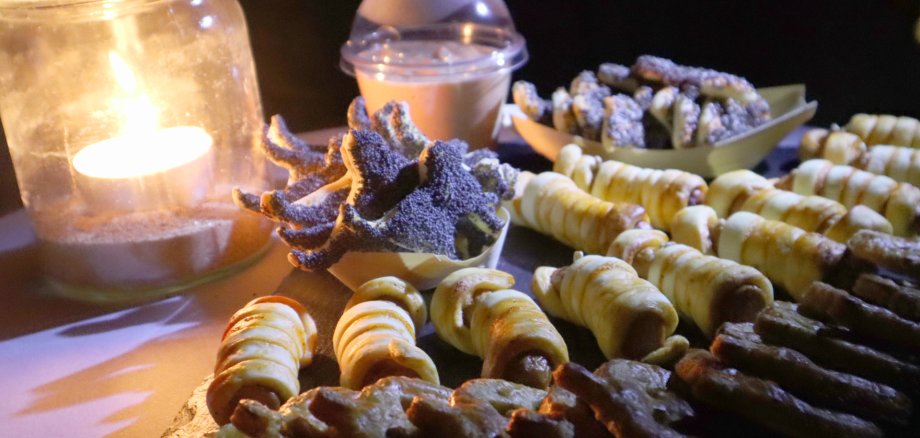
To make sure your stomachs don’t start rumbling amidst all the spookiness, local restaurateurs have put together three tasty treats for you. Sweet, savoury or spookily good? Let yourself be surprised!

Feel free to come in fancy dress – the spookier, the better!

Saturday, 31 October 2026

Start: 5.30 pm

Meeting point: Froschbrunnen (near Mode Weigand)

€34 per person, including 3 small tastings

Book here
or at the Kitzingen Tourist Information Centre | Telephone: 09321 20 8888 | tourismus@stadt-kitzingen.de

Help with accessibility

  • General

    We endeavour to make our website accessible. You can find details on this in our accessibility statement. You can send us suggestions for improvement via our feedback form Report accessibility.

  • Font size

    To adjust the font size, please use the following key combinations:

    Larger

    ⌘command
    +

    Smaller

    ⌘command
    –

    Larger

    Ctrl
    +

    Smaller

    Ctrl
    –
  • Keyboard navigation

    Use TAB and SHIFT + TAB to navigate through next/previous links, form elements, and buttons.

    Use ENTER to open links and interact with elements.

  • Contrast mode

    Press the following key combination to reduce or increase the contrast:

    Enlarge

    ⌃control
    ⌥option
    ⌘command
    .

    Decrease

    ⌃control
    ⌥option
    ⌘command
    ,
    Note: The shortcuts must be activated in the system settings of the operating system.

    Press the left ALT key + left SHIFT key + PRINT to quickly turn high contrast mode on or off.

  • Invert colours

    Press the following key combination to switch the colour inversion on and off:

    ⌃control
    ⌥option
    ⌘command
    8
    Note: The shortcuts must be activated in the system settings of the operating system.

    First activate the screen magnifier and then switch the colour inversion on and off with the following key combinations:

    1. screen magnifier

    +

    2. invert colours

    Ctrl
    Old
    I
  • Screen magnifier

    Press the following key combinations to use the screen magnifier:

    Switch on/off

    ⌥option
    ⌘command
    8

    Enlarge view

    ⌥option
    ⌘command
    =

    Zoom out view

    ⌥option
    ⌘command
    –
    Note: The shortcuts must be activated in the system settings of the operating system.

    Switch on / Enlarge view

    +

    Zoom out view

    –

Select language