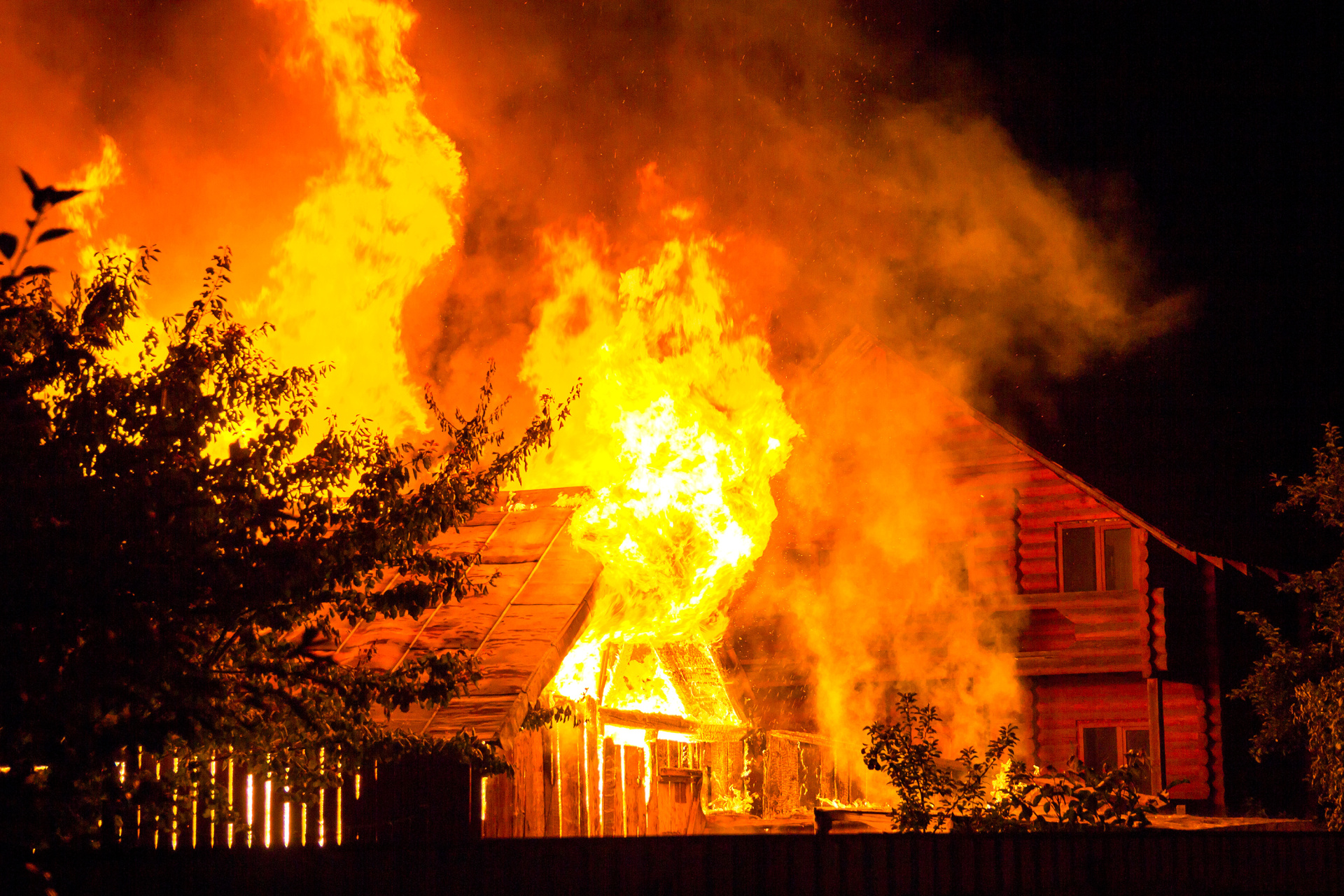
A wooden house on fire at night. Bright orange flames and thick smoke rise from beneath the tiled roof, whilst the silhouettes of trees and the neighbours’ houses can be seen in the background.
Diese Seite wurde automatisch übersetzt. Es kann daher zu Abweichungen oder Ungenauigkeiten im Text kommen. Verbindlich ist ausschließlich die Originalfassung. Rechtsansprüche aus Inhalten der übersetzten Version sind ausgeschlossen.

Homelessness

If you are at risk of losing your home – for example, due to an eviction order – please contact us as soon as possible. Together, we will assess what steps are necessary to prevent you from becoming homeless. At the same time, we will inform you about the various support and assistance services available to you. The same applies if you have already lost your home due to an unexpected event, such as a house fire.

Should no other solution be found and temporary accommodation in an emergency shelter become necessary, we would like to emphasise the following: this accommodation is only a temporary solution and must simply meet the basic minimum standards for decent care. A fully equipped flat cannot be provided in this instance.

Our service

No services found.

Help with accessibility

  • General

    We endeavour to make our website accessible. You can find details on this in our accessibility statement. You can send us suggestions for improvement via our feedback form Report accessibility.

  • Font size

    To adjust the font size, please use the following key combinations:

    Larger

    command
    +

    Smaller

    command

    Larger

    Ctrl
    +

    Smaller

    Ctrl
  • Keyboard navigation

    Use TAB and SHIFT + TAB to navigate through next/previous links, form elements, and buttons.

    Use ENTER to open links and interact with elements.

  • Contrast mode

    Press the following key combination to reduce or increase the contrast:

    Enlarge

    control
    option
    command
    .

    Decrease

    control
    option
    command
    ,
    Note: The shortcuts must be activated in the system settings of the operating system.

    Press the left ALT key + left SHIFT key + PRINT to quickly turn high contrast mode on or off.

  • Invert colours

    Press the following key combination to switch the colour inversion on and off:

    control
    option
    command
    8
    Note: The shortcuts must be activated in the system settings of the operating system.

    First activate the screen magnifier and then switch the colour inversion on and off with the following key combinations:

    1. screen magnifier

    +

    2. invert colours

    Ctrl
    Old
    I
  • Screen magnifier

    Press the following key combinations to use the screen magnifier:

    Switch on/off

    option
    command
    8

    Enlarge view

    option
    command
    =

    Zoom out view

    option
    command
    Note: The shortcuts must be activated in the system settings of the operating system.

    Switch on / Enlarge view

    +

    Zoom out view

Select language