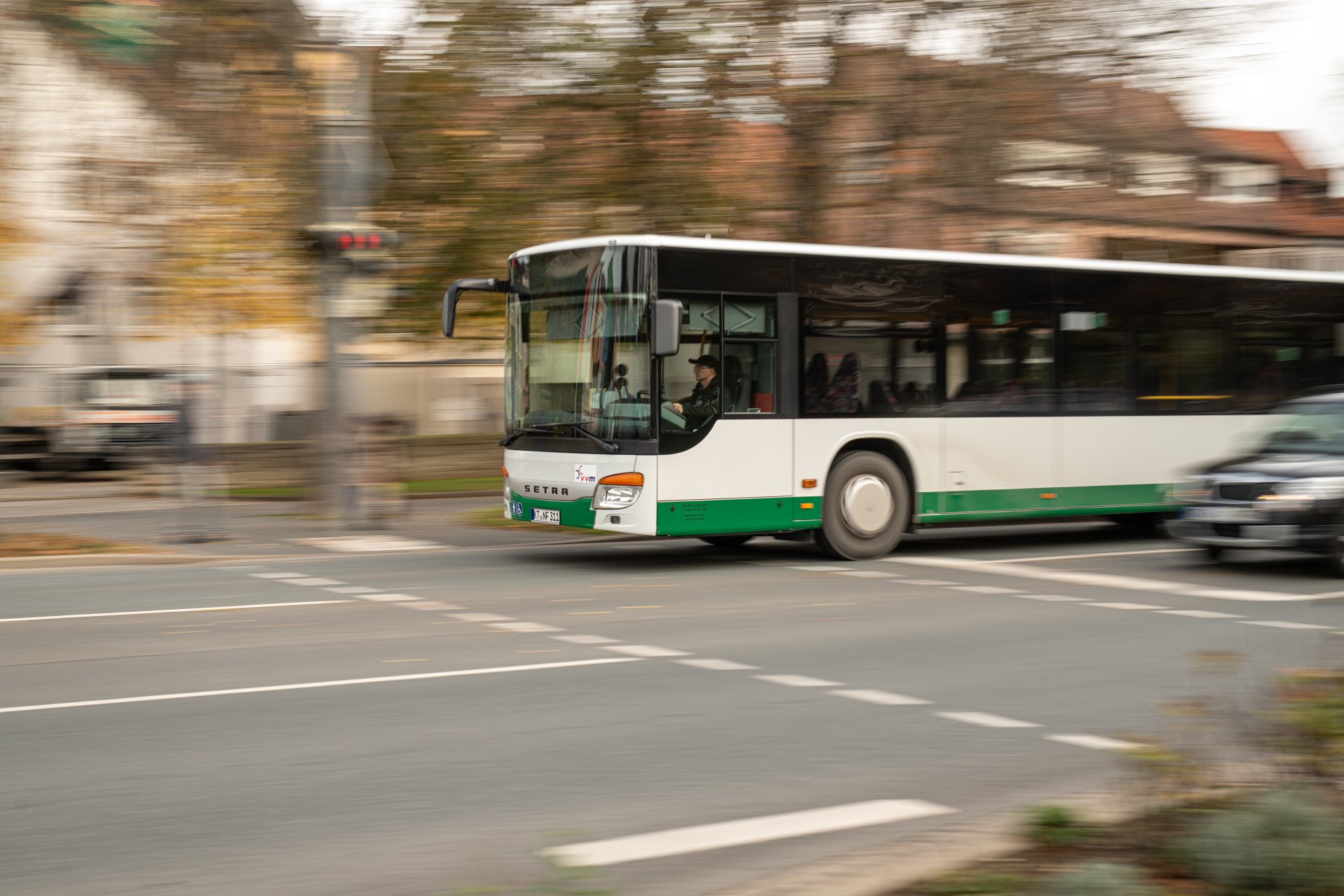
Kitzingen railway station is situated directly on the Würzburg–Nuremberg line and is therefore well connected to the wider region. Kitzingen is also part of both the Greater Nuremberg Transport Association (VGN) and the Main-Franconia Local Transport Association (NVM). Within the town, a convenient shared taxi service takes you to all bus stops as well as 16 additional stops. And for those who want to travel flexibly, there are two electric car-sharing vehicles available to all residents.
Public transport
Collective call taxi
The call-and-collect taxi (AST) is outwardly indistinguishable from a normal taxi. However, its speciality is that it only departs from fixed stops at fixed times. Interested parties must book by telephone at least 30 minutes in advance. The call-and-collect taxi offers the comfort of a normal taxi and the same pricing as the NVM.
The AST is a way of travelling within Kitzingen and its districts (Hoheim, Hohenfeld, Repperndorf and Sickershausen) in addition to the local public transport services.
How does it work?
- Journeys according to a fixed timetable
- Registration by the passenger at least 30 minutes before the start of the journey
- Boarding at the marked AST departure points (all bus stops and 16 other marked departure points)
- Get off at your destination or at your front door
- Kitzingen and its districts are a so-called "honeycomb" in terms of the fare zone, i.e. a fare unit, plus the convenience surcharge for the AST of 2 euros
Information and departures
Register for free on 0800 278 8294
Tickets
- NVM tariff calculator
- Regular tickets (adult/child) on the AST routes are issued at the NVM fare plus a €2 convenience surcharge
- All VGN fare tickets including Deutschlandticket plus €2 comfort surcharge are recognised
- DB single tickets, DB/OVF employee ID cards, military and civilian service personnel, youth leisure tickets, semester tickets, BahnCard, Bayern-Ticket and other discounts are not recognised
E-car sharing
The town of Kitzingen and the lorries make it possible: two e-vehicles have been available for hire since December 2024.
The vehicles have a fixed parking space at Kitzingen railway station and at the Kitzingen-Siedlung district centre. The vehicles are booked via an app, which is also used to open and close the vehicle.
After your journey, simply return the vehicles to their parking spaces and charge them at the charging point provided.
We hope you have a great time and a safe journey!
Further information on e-car sharing
At a glance
- Two top-of-the-range VW ID.3
- Locations directly in the town centre (Kitzingen railway station, Kitzingen-Siedlung district centre)
- Simple (one-off) registration via the MOQO app, followed by driving licence verification
- Easy reservation and booking via MOQO app or browser
- Convenient "unlocking" and starting of vehicles via app (download required)
- And at fair and reasonable conditions! For details, please refer to the current price and fee table (on the lorry page)
- There are no costs for charging at the car sharing location
- Vehicles can be reserved up to 50 days before planned use