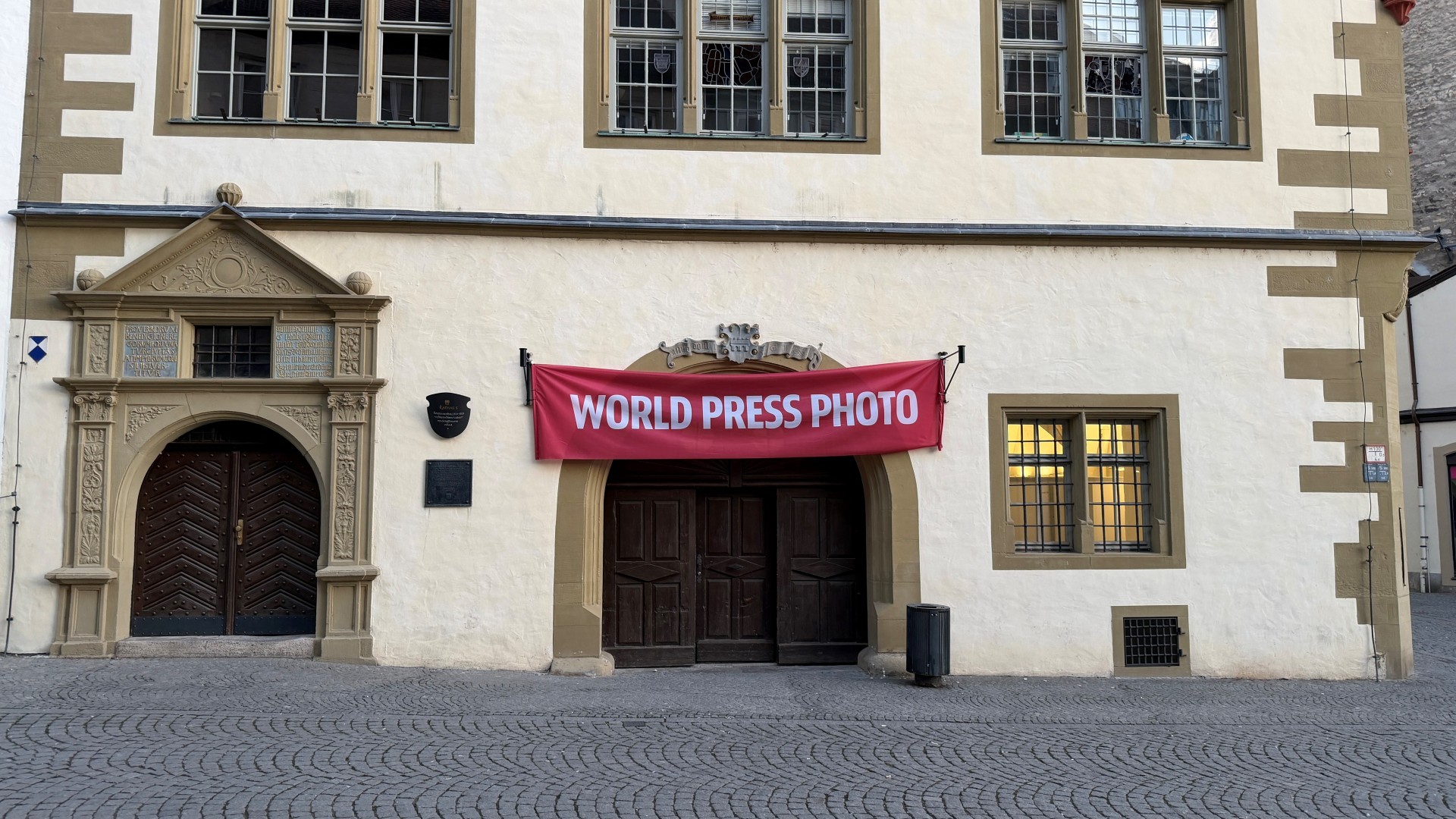
Red World Press Photo banner above the entrance door of the town hall.
Diese Seite wurde automatisch übersetzt. Es kann daher zu Abweichungen oder Ungenauigkeiten im Text kommen. Verbindlich ist ausschließlich die Originalfassung. Rechtsansprüche aus Inhalten der übersetzten Version sind ausgeschlossen.

World Press Photo in Kitzingen

Since 2007, Kitzingen has been the smallest town in Germany to host one of the world's most renowned photo exhibitions. This year, the World Press Photo Exhibition (WPP) once again promises insights into faraway countries and touching stories.

158 photographs were on display in the Kitzingen Town Hall from Saturday 28 February up to and including Monday 6 April 2026. Photographs that are particularly moving were once again exhibited in the Town Hall cellar.

Words from the curator Martha Echevarria

Bringing the World Press Photo exhibition to Kitzingen means far more than simply presenting impressive images. It is about bringing to light stories that are often overlooked – and making them accessible to everyone.

This year’s exhibition is dedicated to some of the most pressing issues of our time: the war in Gaza and Ukraine, the dangerous migration routes in North America and Africa, and the dramatic consequences of climate change – from Australia and Canada to the Pacific Islands and Germany.

These images highlight just how interconnected our world is and reveal global challenges that affect us all and bind us together.

Particularly in times of political tension and polarising elections, such as those we are experiencing here in Germany, we are firmly convinced that access to reliable and diverse information is more important than ever before. The exhibition invites visitors to look more closely, to think beyond borders and to engage with the complex interconnections of our world.

Thanks to the support of the City of Kitzingen, admission to the exhibition is free, ensuring that everyone truly has the opportunity to experience the photographs, be inspired, discover new perspectives and engage in dialogue.

I am delighted to bring the World Press Photo exhibition back to Kitzingen – in the hope that it will move many visitors, help them gain new perspectives and encourage them to exchange ideas with others.

About World Press Photo

The competition for the world's best press photo has been running since 1955 and last year around 59,320 images were submitted by 3,778 photographers from 141 countries. The jury in Amsterdam ultimately selected 158 images and 42 stories as winners. A global jury then selected the World Press Photo 2025. Around four million people visit the World Press Photo exhibitions at more than 100 locations every year.

Help with accessibility

  • General

    We endeavour to make our website accessible. You can find details on this in our accessibility statement. You can send us suggestions for improvement via our feedback form Report accessibility.

  • Font size

    To adjust the font size, please use the following key combinations:

    Larger

    command
    +

    Smaller

    command

    Larger

    Ctrl
    +

    Smaller

    Ctrl
  • Keyboard navigation

    Use TAB and SHIFT + TAB to navigate through next/previous links, form elements, and buttons.

    Use ENTER to open links and interact with elements.

  • Contrast mode

    Press the following key combination to reduce or increase the contrast:

    Enlarge

    control
    option
    command
    .

    Decrease

    control
    option
    command
    ,
    Note: The shortcuts must be activated in the system settings of the operating system.

    Press the left ALT key + left SHIFT key + PRINT to quickly turn high contrast mode on or off.

  • Invert colours

    Press the following key combination to switch the colour inversion on and off:

    control
    option
    command
    8
    Note: The shortcuts must be activated in the system settings of the operating system.

    First activate the screen magnifier and then switch the colour inversion on and off with the following key combinations:

    1. screen magnifier

    +

    2. invert colours

    Ctrl
    Old
    I
  • Screen magnifier

    Press the following key combinations to use the screen magnifier:

    Switch on/off

    option
    command
    8

    Enlarge view

    option
    command
    =

    Zoom out view

    option
    command
    Note: The shortcuts must be activated in the system settings of the operating system.

    Switch on / Enlarge view

    +

    Zoom out view

Select language