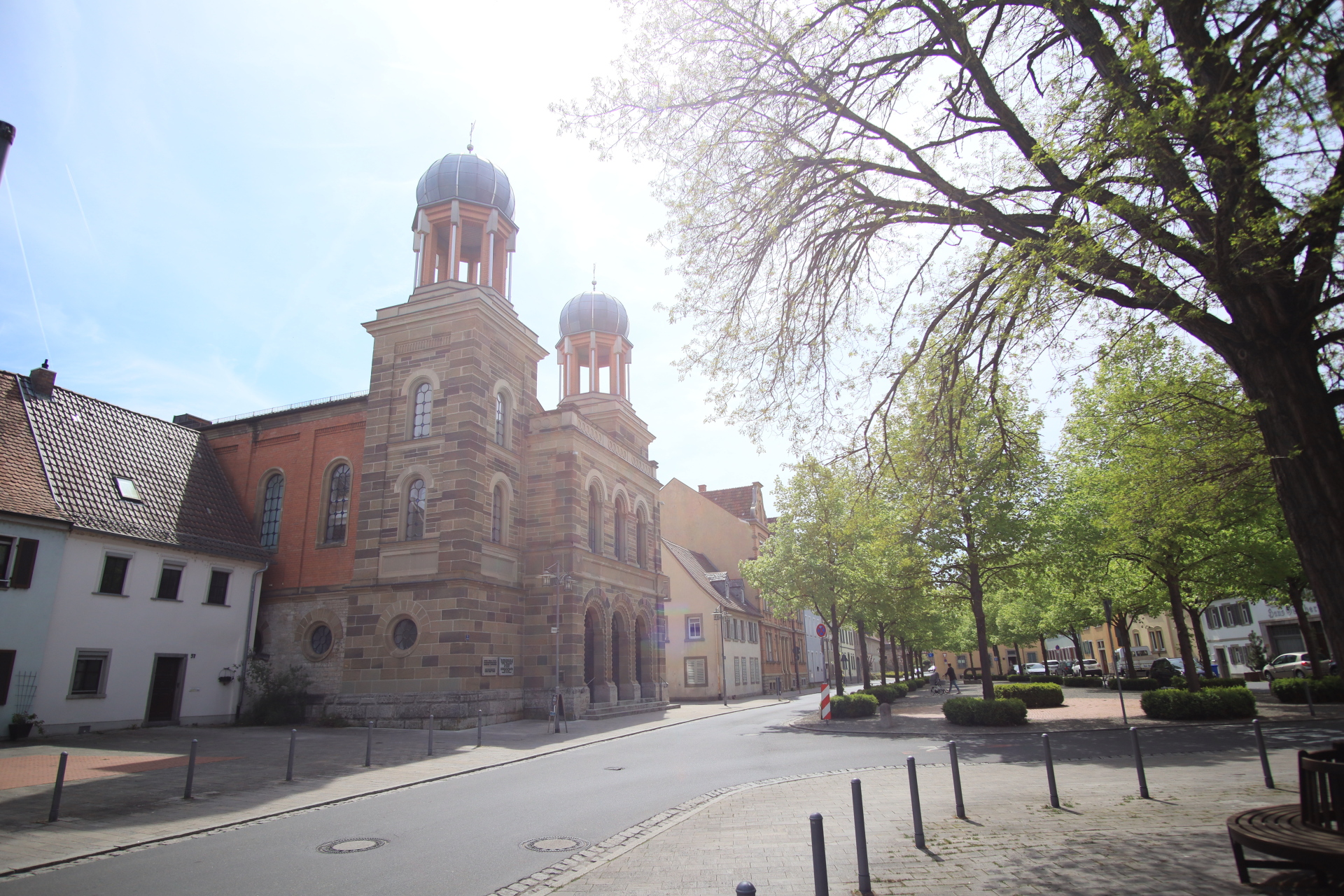
Picture of the Old Synagogue from a distance
Diese Seite wurde automatisch übersetzt. Es kann daher zu Abweichungen oder Ungenauigkeiten im Text kommen. Verbindlich ist ausschließlich die Originalfassung. Rechtsansprüche aus Inhalten der übersetzten Version sind ausgeschlossen.

Jewish women in Kitzingen. City walk on International Women's Day

"There used to be two sisters ..."

A photo and a letter from Berta and Rachel, the daughters of the last synagogue servant in Kitzingen, have been preserved. These letters from 1937 and 1938 reveal their very different characters, but also the already precarious living situation of Jewish women: in the face of anti-Semitic activities in town and country, they vacillated between repression and retreat, hope and fear, perseverance and the desire to leave.

Starting at the sisters' parents' house next to the Old Synagogue, we follow the traces and fates of Jewish women from Kitzingen in the late 19th and early 20th centuries on a walk through the town. Their residential and commercial buildings still characterise the townscape. Where did they come from, how did they live and do business with their families? Did they attend the synagogue and the "women's baths"? Who belonged to the Chewra Kaddischa? Is there a gravestone for them or a stumbling block and descendants somewhere in the world who read their letters, tell anecdotes about them or commemorate them on their anniversary?

Duration: approx. 2 hoursPrice
: €9.00 per
personIncluded: expert guided tour by the Friends of the Former
Kitzingen SynagogueMeeting point:Landwehrplatz 1 / Former Kitzingen
SynagogueDate in 2026: 29 March | 2.00 pm

Registration

Kitzingen Tourist Information
Telephone: 09321 20 8888 | tourismus@stadt-kitzingen.de

Registration only possible online for individual appointments

Book online

Further guided tours on Jewish themes can also be booked for groups on request!
(Wine trade, for young people, on Stolpersteine/biographies, on Jewish buildings in the cityscape)

Help with accessibility

  • General

    We endeavour to make our website accessible. You can find details on this in our accessibility statement. You can send us suggestions for improvement via our feedback form Report accessibility.

  • Font size

    To adjust the font size, please use the following key combinations:

    Larger

    command
    +

    Smaller

    command

    Larger

    Ctrl
    +

    Smaller

    Ctrl
  • Keyboard navigation

    Use TAB and SHIFT + TAB to navigate through next/previous links, form elements, and buttons.

    Use ENTER to open links and interact with elements.

  • Contrast mode

    Press the following key combination to reduce or increase the contrast:

    Enlarge

    control
    option
    command
    .

    Decrease

    control
    option
    command
    ,
    Note: The shortcuts must be activated in the system settings of the operating system.

    Press the left ALT key + left SHIFT key + PRINT to quickly turn high contrast mode on or off.

  • Invert colours

    Press the following key combination to switch the colour inversion on and off:

    control
    option
    command
    8
    Note: The shortcuts must be activated in the system settings of the operating system.

    First activate the screen magnifier and then switch the colour inversion on and off with the following key combinations:

    1. screen magnifier

    +

    2. invert colours

    Ctrl
    Old
    I
  • Screen magnifier

    Press the following key combinations to use the screen magnifier:

    Switch on/off

    option
    command
    8

    Enlarge view

    option
    command
    =

    Zoom out view

    option
    command
    Note: The shortcuts must be activated in the system settings of the operating system.

    Switch on / Enlarge view

    +

    Zoom out view

Select language