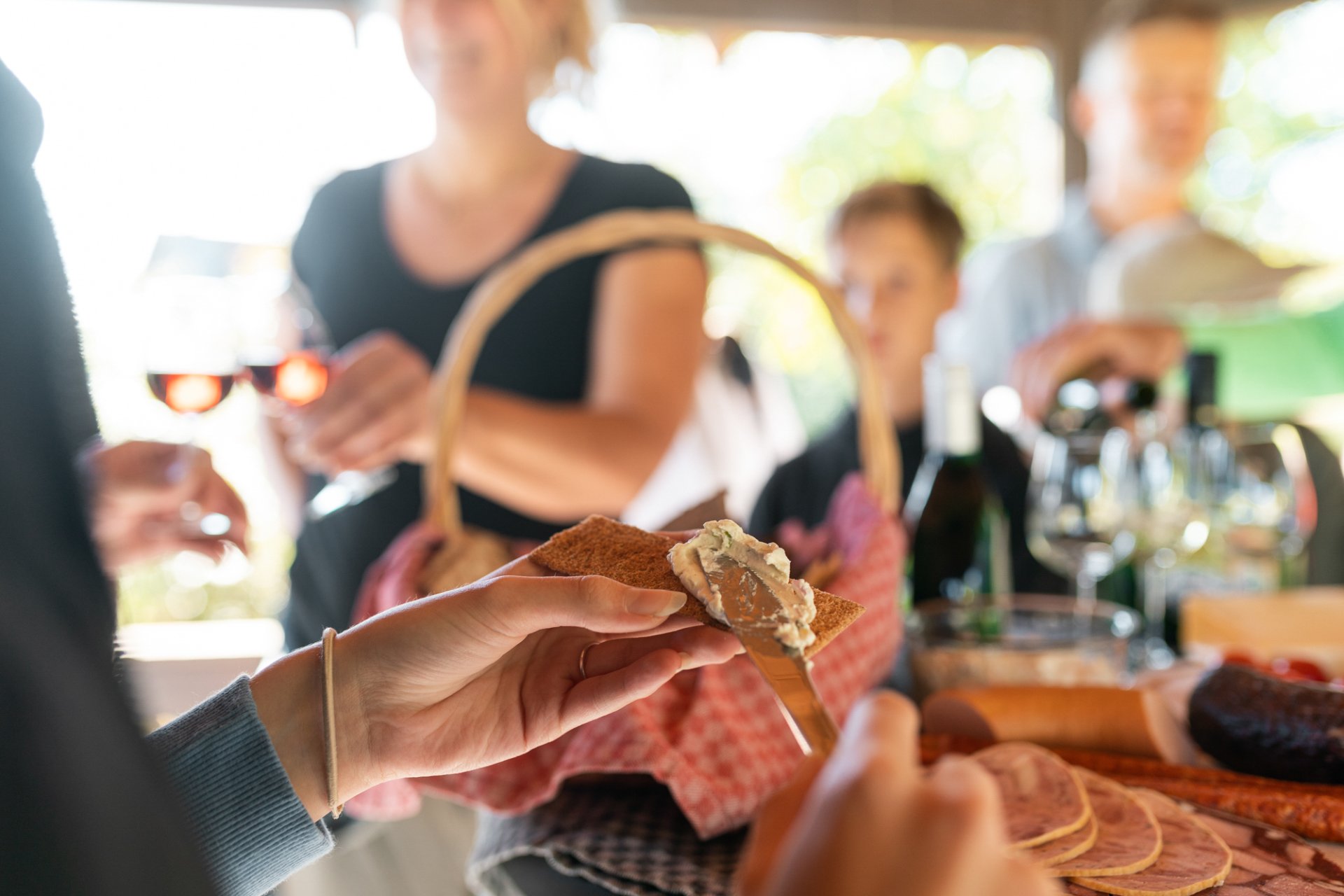
Picnic with bread and spread
© Atelier In addition
Diese Seite wurde automatisch übersetzt. Es kann daher zu Abweichungen oder Ungenauigkeiten im Text kommen. Verbindlich ist ausschließlich die Originalfassung. Rechtsansprüche aus Inhalten der übersetzten Version sind ausgeschlossen.

WineWalkingTrail with picnic

During the guided hike on the Kitzingen WineWalkingTrail, you will learn all kinds of interesting, informative and entertaining facts about Franconian wine, Franconian viticulture and the town and district of Kitzingen, including its history, at selected stations. The programme is rounded off with numerous tastings and a cosy picnic / Franconian snack.

Under the motto "Wine and nature - on tour with a snack", you can forget the often hectic pace of everyday life and experience the magical diversity of the Kitzingen wine district.

Booking for groups also on request

Duration: approx. 2.5–3 hours
Price: €27 per person
Meeting point: WeinWanderWeg Kitzingen, Alemannenstraße (on the B8)
Dates for 2026: see below

Booking/registration for groups

Please register at least 3 days before the tour!

Addendum!

Sat 19 Sept: Guided tour of the WeinWanderWeg with a picnic and a tour of the GWF
.
Meeting point: 11:00 at the top of
Alemannenstraße; plus a guided tour of the GWF:
grape reception, cellars, etc., including 3 tastings
. Cost: €40 per person. Please
note: only around 8 places left!

Kitzingen Tourist Information
Telephone: 09321 20 8888 | tourismus@stadt-kitzingen.de
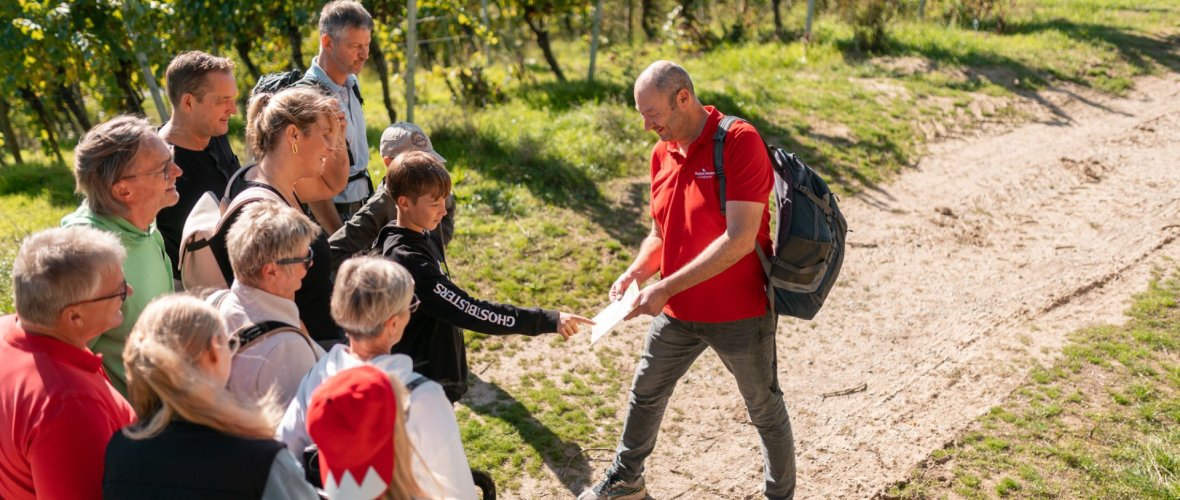
Tour guide talks about the history of wine in the vineyards
© Atelier In addition

Help with accessibility

  • General

    We endeavour to make our website accessible. You can find details on this in our accessibility statement. You can send us suggestions for improvement via our feedback form Report accessibility.

  • Font size

    To adjust the font size, please use the following key combinations:

    Larger

    ⌘command
    +

    Smaller

    ⌘command
    –

    Larger

    Ctrl
    +

    Smaller

    Ctrl
    –
  • Keyboard navigation

    Use TAB and SHIFT + TAB to navigate through next/previous links, form elements, and buttons.

    Use ENTER to open links and interact with elements.

  • Contrast mode

    Press the following key combination to reduce or increase the contrast:

    Enlarge

    ⌃control
    ⌥option
    ⌘command
    .

    Decrease

    ⌃control
    ⌥option
    ⌘command
    ,
    Note: The shortcuts must be activated in the system settings of the operating system.

    Press the left ALT key + left SHIFT key + PRINT to quickly turn high contrast mode on or off.

  • Invert colours

    Press the following key combination to switch the colour inversion on and off:

    ⌃control
    ⌥option
    ⌘command
    8
    Note: The shortcuts must be activated in the system settings of the operating system.

    First activate the screen magnifier and then switch the colour inversion on and off with the following key combinations:

    1. screen magnifier

    +

    2. invert colours

    Ctrl
    Old
    I
  • Screen magnifier

    Press the following key combinations to use the screen magnifier:

    Switch on/off

    ⌥option
    ⌘command
    8

    Enlarge view

    ⌥option
    ⌘command
    =

    Zoom out view

    ⌥option
    ⌘command
    –
    Note: The shortcuts must be activated in the system settings of the operating system.

    Switch on / Enlarge view

    +

    Zoom out view

    –

Select language